Features
Everything Chordisplay does.
The whole feature set, starting with the parts that decide it.
Your band
One subscription covers everyone you play with. You pay for your library; the rest of the band signs in with their own email, on their own device, and pays nothing — five people or fifteen.
You own your library, and nobody else has standing access to it. What you give out is a setlist: add someone as an Editor and they build that set with you, or as a Viewer and they read it and play from it. Neither can touch a chart in your library.
Several bands, one library
Covers band on Tuesday, orchestra on Saturday, dep work in between. One library holds all of it, and each band opens only the setlists you put them on — not the other four hundred charts, and not each other's sets.
You also choose, for each person on a setlist, what they may add songs from: nothing, one category, or the whole library. The middle one is how a single library serves two bands without either seeing the other's material — and because it's per person, the bandleader can add from everything while everyone else adds from one category.
Every setlist anyone has put you on shows up alongside your own, with whose it is on each row. Play in three bands and you still sign in once.
Changing a song for one gig
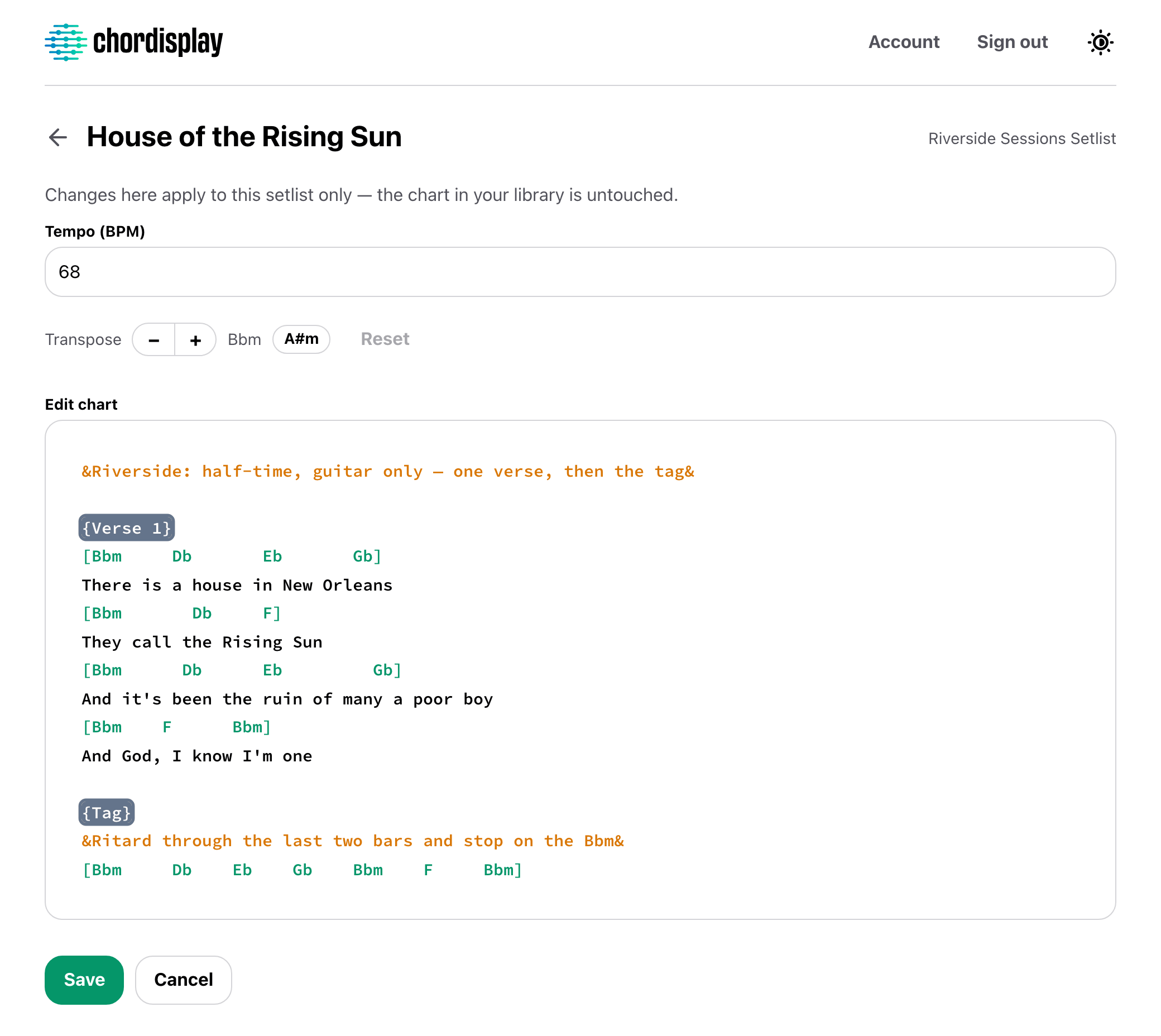
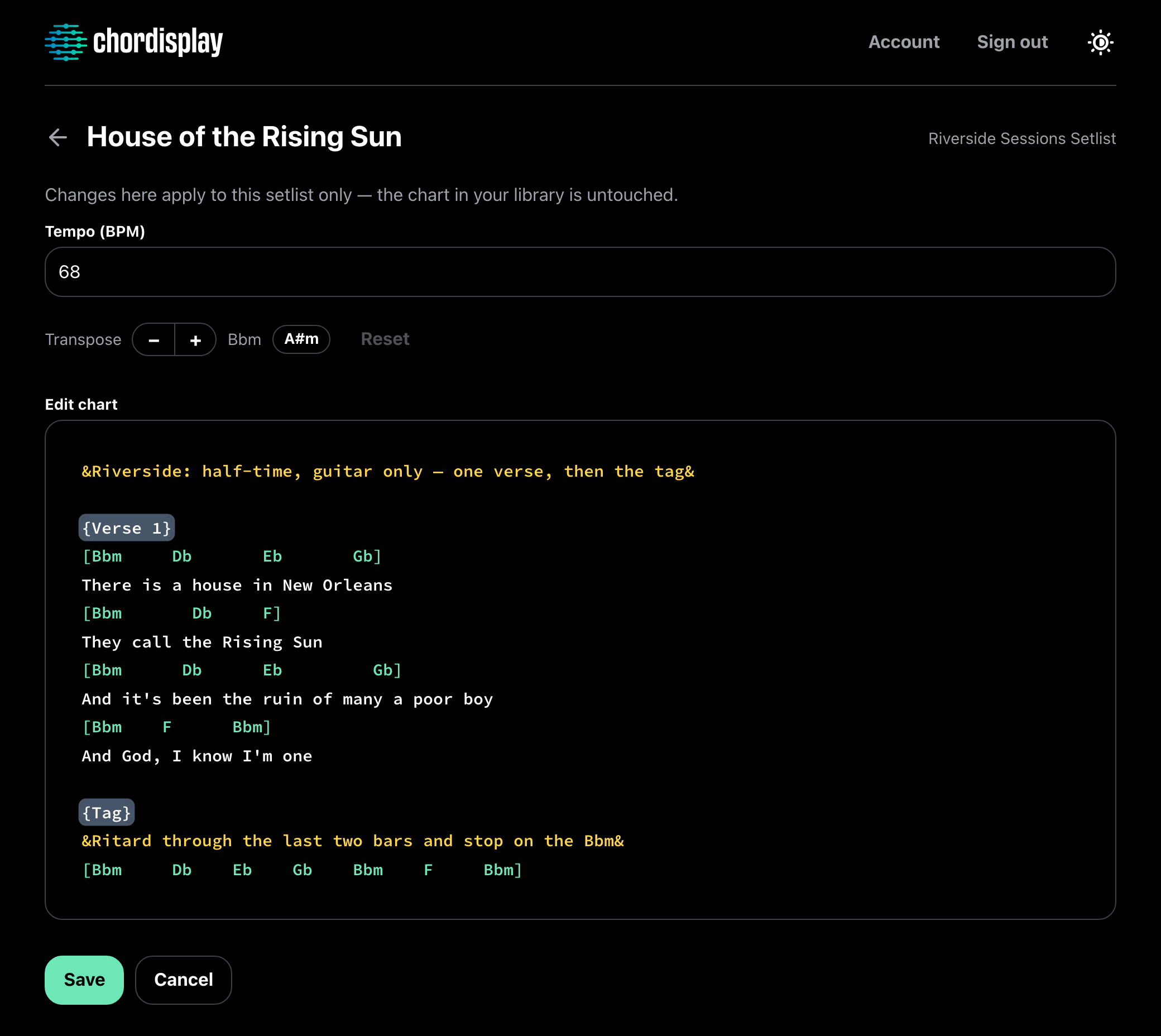
A song added to a setlist is a copy of your chart. Change its tempo, cut the second verse, write a note about the ending, or rewrite the arrangement outright — for that set only.
The two are independent in both directions. Your chart doesn't move when the set changes, and editing your chart afterwards doesn't reach into the set either. The same song added twice gives you two versions that know nothing about each other.
It's the band's copy, not a private one: whoever's building the set makes the change and everyone reading that setlist sees it. That's the point of it — and your library staying put is what makes marking a set up freely a safe thing to do.
Setlists
Named, dated, and in playing order. Build one from your charts, move songs up and down until the order matches how the set actually goes, and step through it with prev and next while you play.
A song can appear twice. An encore reprise is its own entry, so you can treat the two completely differently.
A setlist is also the unit access is granted on — it's what you hand to the band, rather than handing over the library. Creating one is the Owner's job for that reason.
Categories
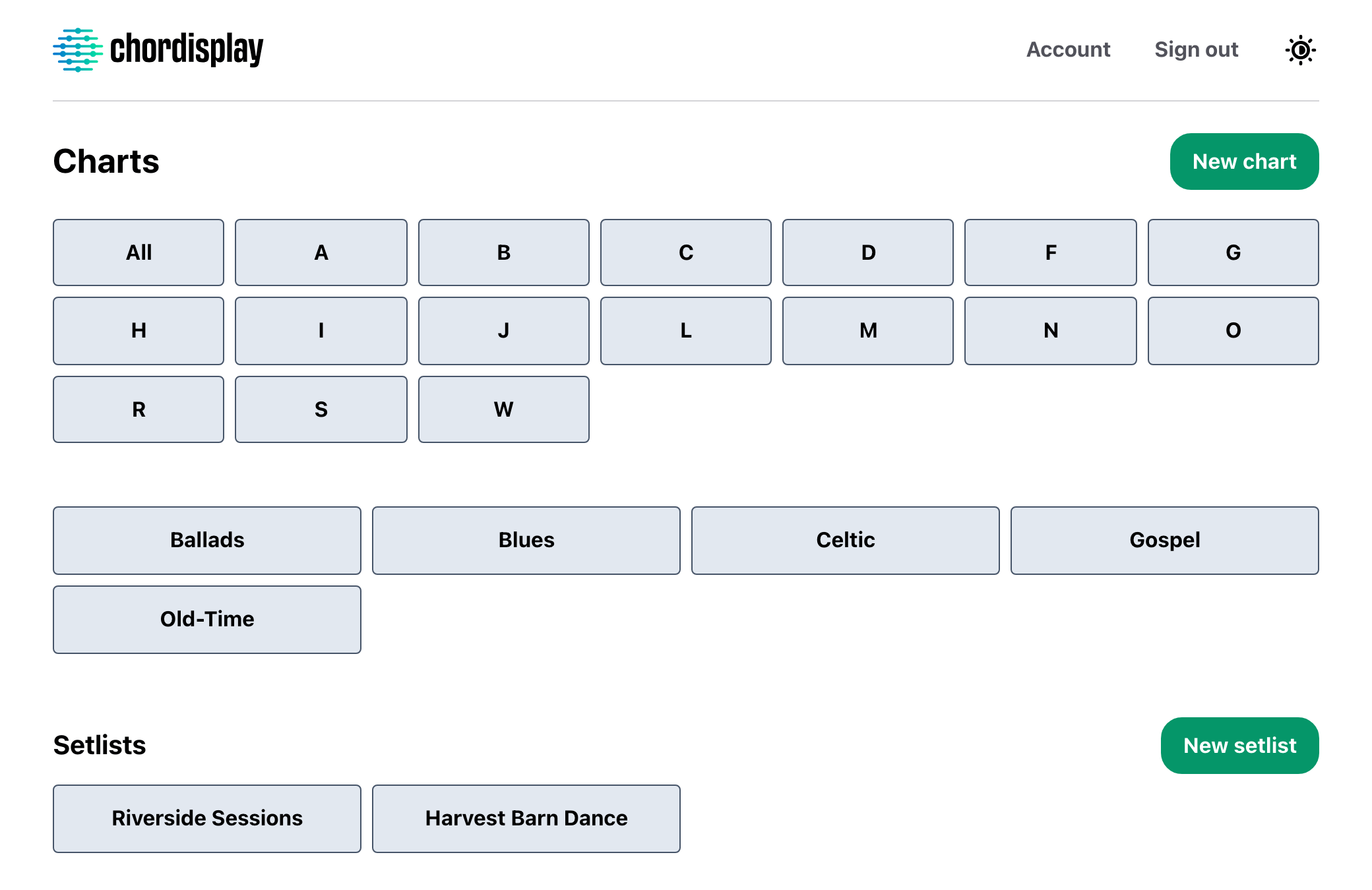
Categories hold your charts. You invent the names, and a chart can sit in as many of them as you like, so a standard both your bands play doesn't need writing out twice. A side project doesn't need a separate library — it needs a category.
They do a second job once other people are involved: a setlist can be limited to one category, so an Editor adding songs searches that band's repertoire and nothing else. And a whole category can be sent to another Owner in one go.
Under them is the rest of the library — everything you've written, browsable by title and artist, filtered by category or by first letter when the list gets long. And it will: a working repertoire runs to hundreds of songs.
Writing a chart
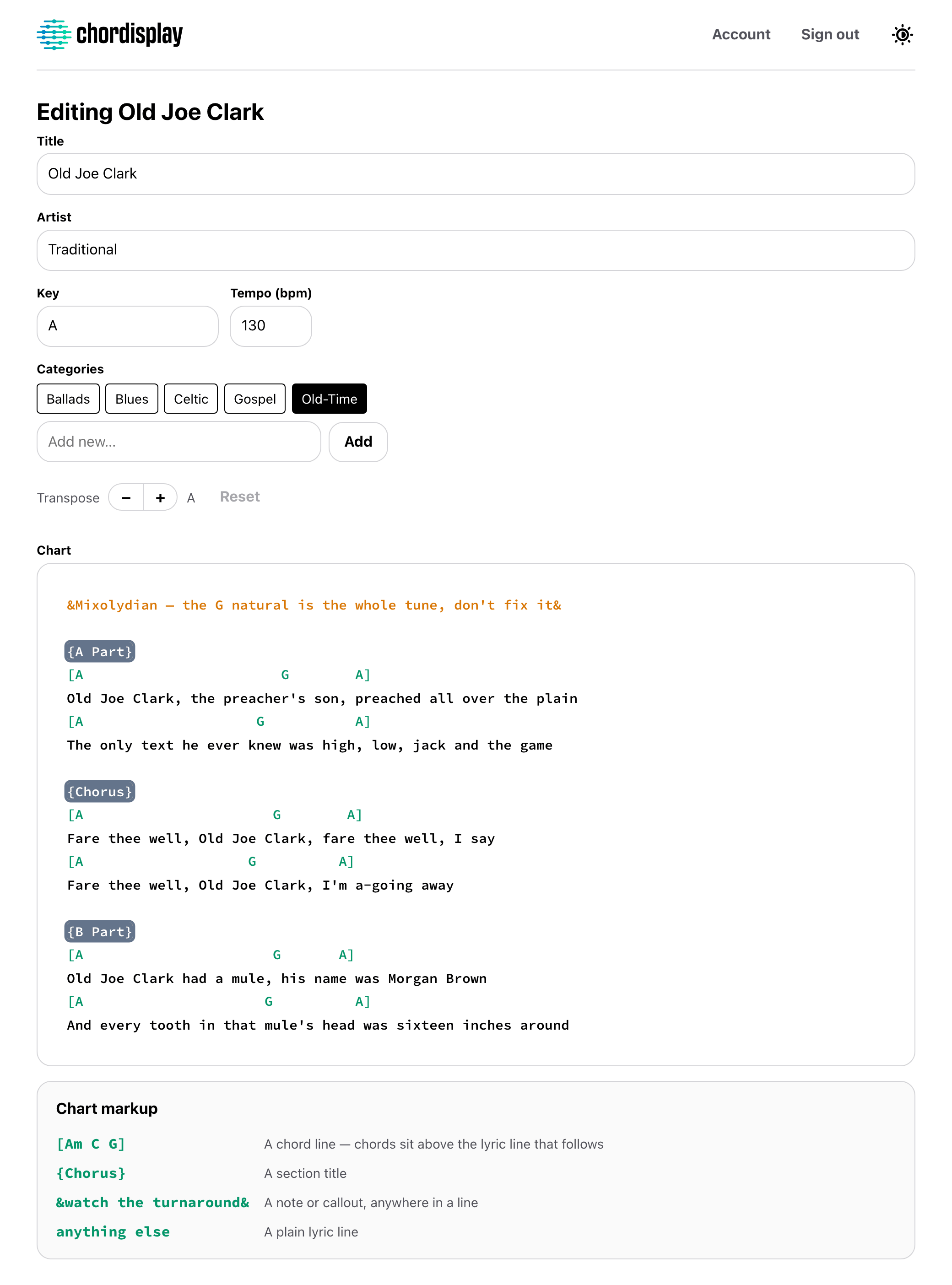
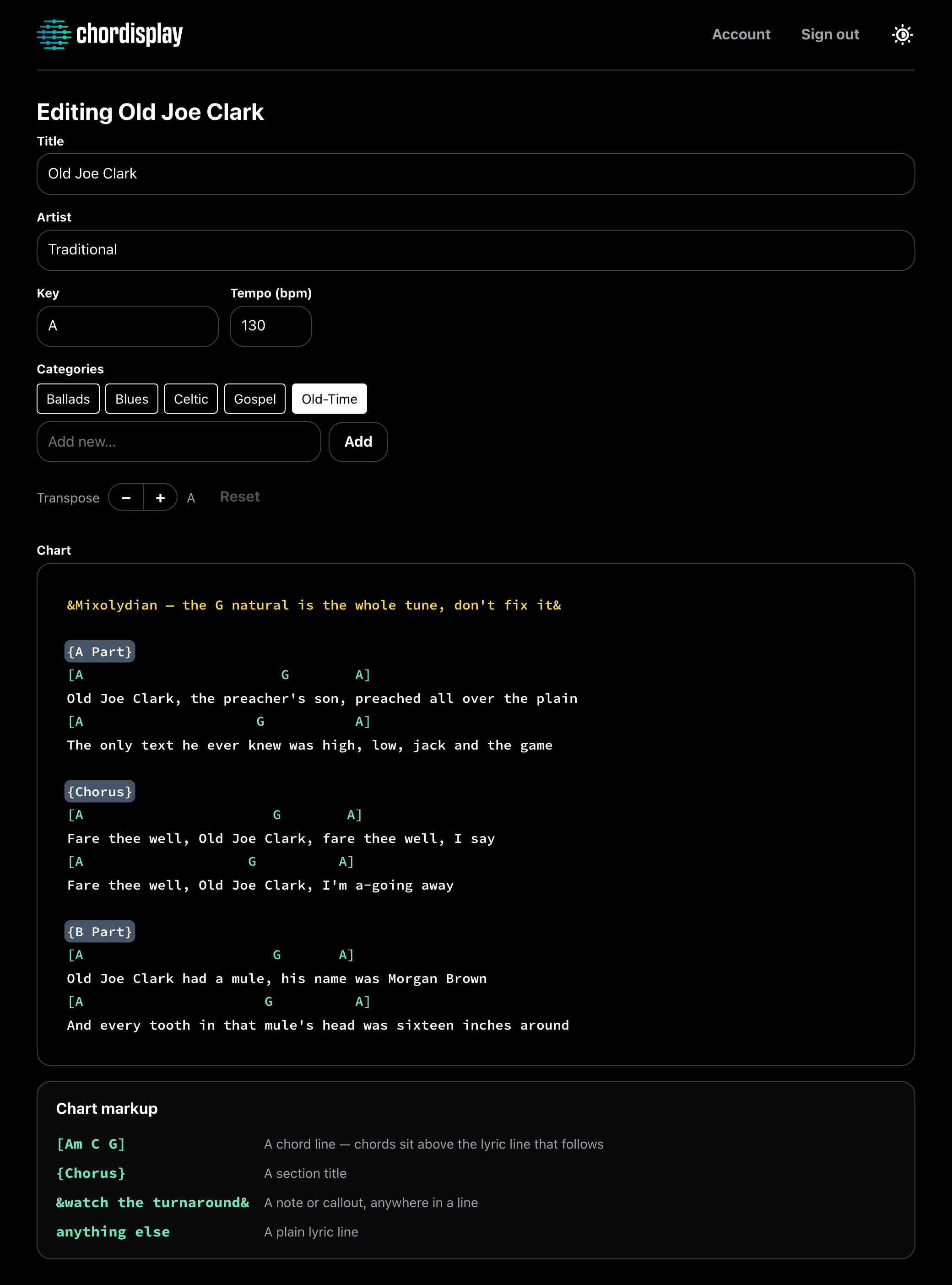
Chords, section titles and notes colour as you type, so you can see the shape of the chart while you're writing it rather than after you save. The editor grows to fit the song — there's no little scrolling box to write through.
A chart is plain text with four kinds of line. [chord] is a chord line. {section} is a section title. ¬e& is an inline note to yourself or the band. Everything else is a lyric line, and none of the four is required.
Title, artist, categories, key, tempo and the body itself. All of it works everywhere, but the web app is where it's fastest: a phone is a poor place to type out a chart and the best place to read one.
Half-time feel from here
Chorus
G        D       Em      C
Wish you were here
G        D       C
Wish you were here
Transposing
Move a chart to any key while you're reading it. The chords come with it, spelled the way the destination key is normally written — transpose into Eb and you get flats, into E and you get sharps — and they stay in their columns over the lyrics.
It's how you're reading the chart, not what's stored. The saved chart is never rewritten, so a singer can pull a song down a tone for their range without changing anything for anyone else.
There's no capo setting. That one is a genuine gap, not a shortcut.
Import
Bring in ChordPro files or a Chordisplay export, a folder's worth at a time. The format is worked out from what's inside each file rather than from its name, so a .txt full of ChordPro still lands correctly.
Nothing is written until you've seen what's about to happen: the preview lists every file and what it's going to do with it, and anything that looks like a chart you already have is skipped by default.
PDFs are the honest no — there's no PDF import, display or annotation anywhere in Chordisplay.
Offline
The phone and tablet apps pull everything onto the device while you're online — every chart in full, and every setlist with its own tempos and arrangements in it. Not just the songs you've opened, so the one you didn't think to check opens too. There's nothing to switch on.
Reading works with no signal at all: browsing, filtering, prev and next through a set, the tempo pulse. Editing needs a connection, so nothing changes under you mid-show. And the cache clears whenever anyone signs in or out, so a tablet that gets passed around never leaves one person's library behind.
Page-turner pedal
A pedal scrolls the chart in the iOS and Android apps while your hands stay on the instrument. Any pedal that presents itself as a keyboard works, in either of its modes. Pair it in your device's own Bluetooth settings and open a chart — there is nothing in the app to set up.
On an iPhone, only a native app sees those key presses. A browser tab never does.
Tempo pulse
Give a chart a BPM and its header pulses in time in the phone and tablet apps. No click track and no audio — just a dot on the beat, which is enough to count a song in without anything in your ears.
House of the Rising Sun
78 bpm
Export
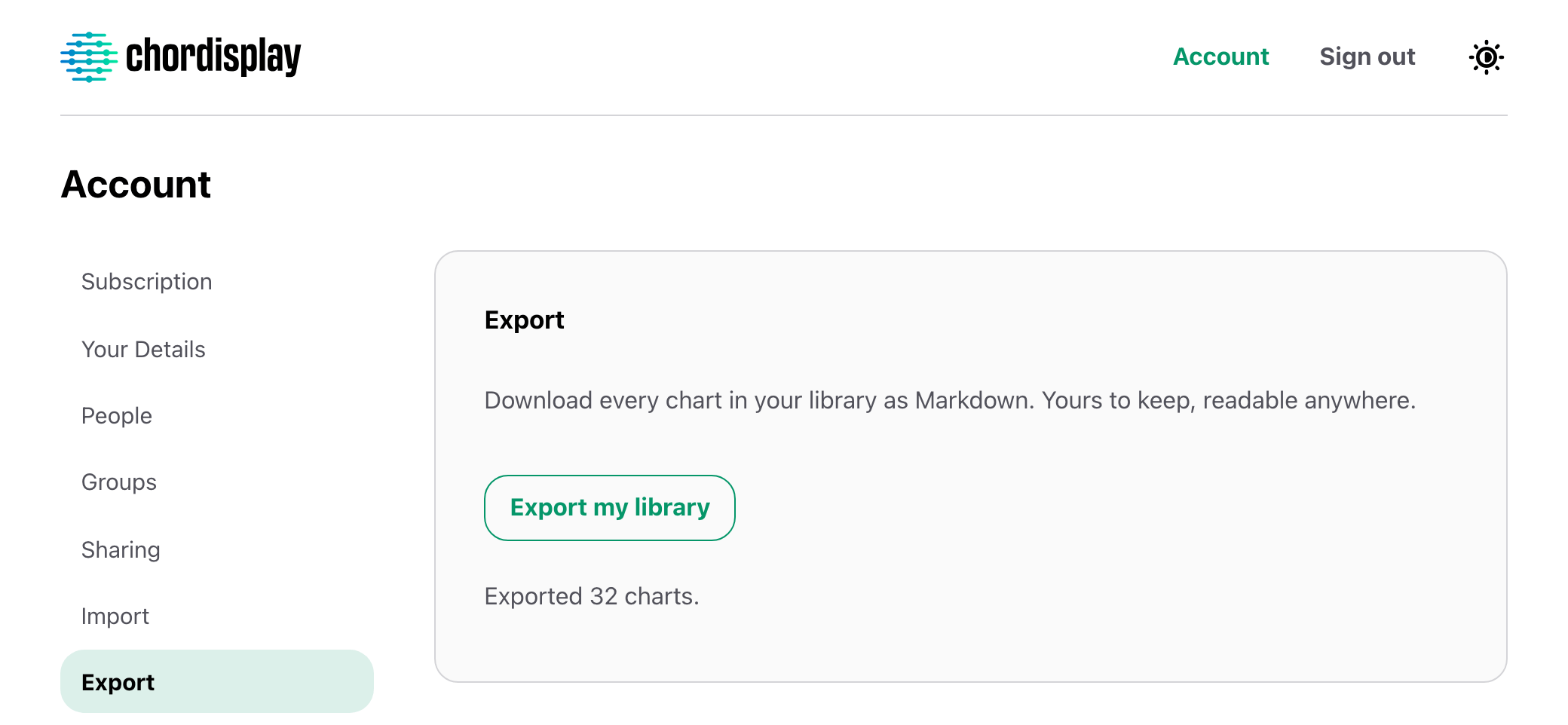
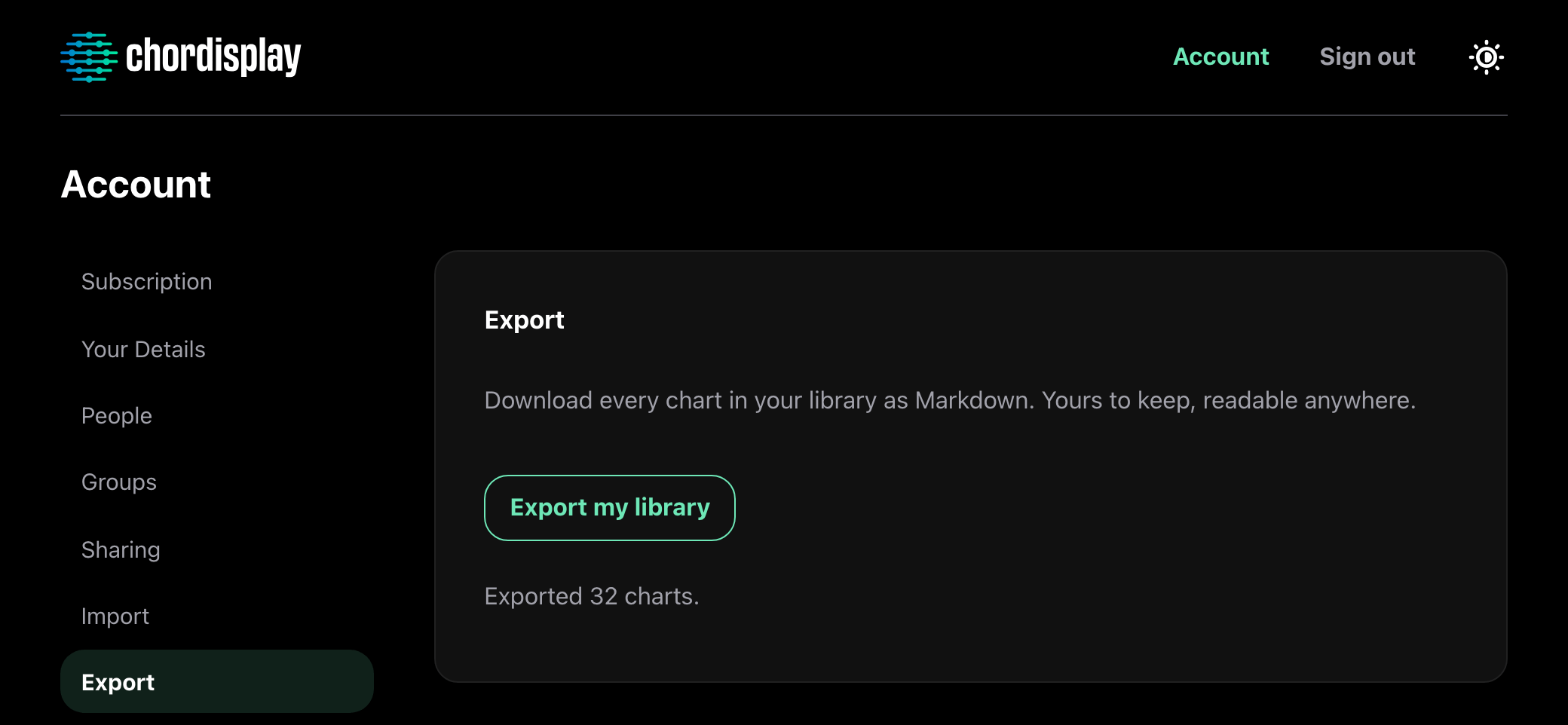
Every chart and every setlist comes back out as Markdown — one at a time, or the whole library as a zip with a file per song. A setlist exports in running order with that set's own tempos and arrangements in it, so what you get is the version you actually played.
They're plain text files. They open in anything, and they'll still open in ten years. This keeps working if your subscription lapses: a lapsed library can't be played from, but it can always be taken out.
Put the band on the same page.
30 days free. After that, one subscription covers everyone you play with.